WordPress security headers are small instructions your server sends along with every page, telling the browser how to behave. They block clickjacking, stop browsers from guessing file types, force HTTPS, and more. Most site owners never look at them, and most guides only list the headers without showing what a real site sends.
So I checked my own site, Beeznez Tech, and recorded exactly what the server returns. Below you will find the real header values, which ones are fully set and which are only partial, how to check your own site in two minutes, and how to add missing headers without breaking anything.
What Are WordPress Security Headers?
Every time a browser loads your page, your server replies with the page itself plus a set of HTTP response headers. Some headers are plain housekeeping, such as the content type. Security headers are the ones that switch on protections inside the visitor’s browser.
They do not replace updates, strong passwords or a good host. Think of them as an extra layer: if something goes wrong in a page, the browser already has rules that limit the damage. The OWASP Secure Headers Project and the MDN header reference document each one in detail.
WordPress Security Headers My Site Sends
I requested my homepage over HTTPS and read the headers in the response. Here is what came back:
| Header | Value on my site | Status |
|---|---|---|
| Strict-Transport-Security | max-age=31536000 | Set (one year) |
| X-Content-Type-Options | nosniff | Set |
| X-Frame-Options | SAMEORIGIN | Set |
| Referrer-Policy | strict-origin-when-cross-origin | Set |
| Permissions-Policy | camera, microphone, geolocation, payment and usb disabled, plus interest-cohort | Set |
| Content-Security-Policy | upgrade-insecure-requests | Partial |
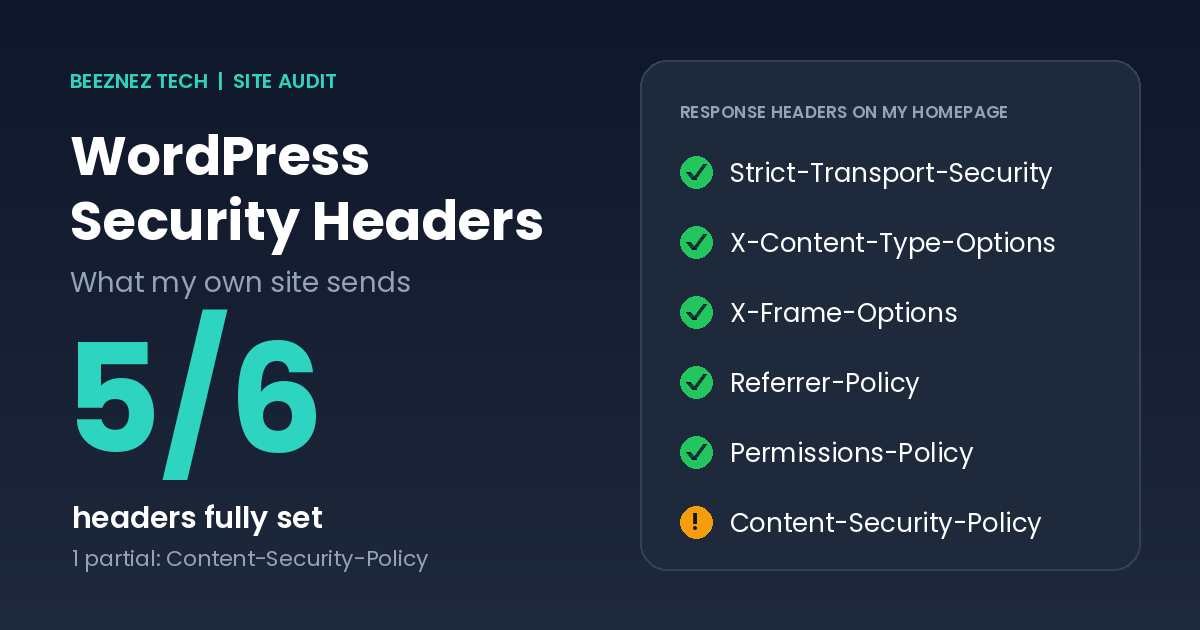
Summary of the headers my site returned. Green means fully set, amber means partial.
That is five fully set and one partial. The responses were served through my host’s content delivery network and carried a Hostinger platform header, so I believe the host adds most of these, but I have not confirmed where each one comes from. Check this on your own site before assuming you have to add anything.
What Each Header Does
Strict-Transport-Security (HSTS)
HSTS tells the browser to use HTTPS only for your domain, for the number of seconds you specify. My value of 31,536,000 seconds is one year. It does not include the optional includeSubDomains or preload directives. Those are stronger, but they are hard to undo, so enable them only when every subdomain really supports HTTPS.
X-Content-Type-Options
The value nosniff stops browsers from guessing a file’s type. Without it, a browser might treat an uploaded text file as a script. It is a one-line, low-risk win.
X-Frame-Options
This controls whether other sites can show your pages inside a frame. SAMEORIGIN allows only your own site to do that, which protects visitors from clickjacking, where someone hides your page under a fake button.
Referrer-Policy
When a visitor clicks a link on your site, the browser may tell the destination where they came from. strict-origin-when-cross-origin sends only your domain name to other sites, not the full page address, and sends nothing when going from HTTPS to plain HTTP.
Permissions-Policy
This turns off browser features your site does not use. Mine disables the camera, microphone, location, payment and USB. The interest-cohort entry is a leftover from Google’s old FLoC experiment and no longer does much, but it does no harm.
Content-Security-Policy (CSP)
A full CSP lists exactly which sources may load scripts, styles, and images, which is powerful protection against injected code. My site sends onlyupgrade-insecure-requests, which asks the browser to load insecure links over HTTPS. That is useful but it is not a real CSP, which is why I mark it partial.
There is a good reason many WordPress sites stay at this level. A strict CSP must allow every script you use, and mine loads Google tag and ad scripts that weigh far more than my own code, as I measured in my post on how to minify CSS and JavaScript in WordPress. Getting a strict policy wrong can break tracking, ads or layout.
Other Checks That Go With WordPress Security Headers
Headers only matter if the connection itself is sound, so I also checked the basics:
| Check | Result |
|---|---|
| HTTP to HTTPS | Permanent 301 redirect |
| www to non-www | Permanent 301 redirect |
| TLS version | TLS 1.3 with AES-256-GCM |
| Certificate issuer | Let’s Encrypt |
| Certificate validity | 3 October 2026 to 1 January 2027 |
| WordPress version | 7.1.3 |
| PHP version | 8.5.4 |
The short certificate life is worth noting. Let’s Encrypt certificates last about 90 days, so automatic renewal matters. If renewal ever fails, visitors would see a browser warning, so check that your host renews certificates for you.
How to Check Your Own Site in Two Minutes
- Open your site in Chrome and press F12 to open the developer tools.
- Go to the Network tab and reload the page.
- Click the first request, the one named after your page, and open Headers.
- Scroll to Response Headers and look for the six headers above.
- For a grade and plain-English explanations, paste your address into securityheaders.com.
How to Add Missing WordPress Security Headers
Before adding anything, check whether your host already sends the header. Duplicates can cause conflicts. If a header is missing, you have three main options.
Option 1: Your host’s control panel
Some hosts let you set headers from the dashboard. This is the safest route because nothing in WordPress can overwrite it.
Option 2: The .htaccess file
On Apache and LiteSpeed servers you can add rules to your .htaccess file. Keep a backup first, because a typo can take the site offline:
<IfModule mod_headers.c>
Header always set X-Content-Type-Options "nosniff"
Header always set X-Frame-Options "SAMEORIGIN"
Header always set Referrer-Policy "strict-origin-when-cross-origin"
</IfModule>
Option 3: A small PHP snippet
If you cannot edit server files, you can send headers from WordPress itself, for example in a child theme or code snippets plugin:
add_action( 'send_headers', function () {
    header( 'X-Content-Type-Options: nosniff' );
    header( 'X-Frame-Options: SAMEORIGIN' );
    header( 'Referrer-Policy: strict-origin-when-cross-origin' );
} );
This works for dynamic pages, but headers on static files such as images are not covered.
WordPress Security Headers vs Other Security Layers
Headers are one layer among several, and it helps to know where they sit. Updates close known holes in WordPress, themes and plugins. Strong passwords and limited user accounts protect the login. A trustworthy host protects the server itself. WordPress security headers sit at the edge, instructing the visitor’s browser how to handle your pages. They cannot fix a vulnerable plugin, but they can limit how much damage some attacks do.
That is why I put them after updates and plugin cleanup in my own priorities. A site with perfect headers and an outdated, vulnerable plugin is still at risk. A site that is fully updated and has a few headers missing is in a far better position.
How to Read a Security Headers Report
Scanners usually give a letter grade, but the grade matters less than the detail behind it. Look at which headers are missing, then ask three questions about each: does my host already handle this, could adding it break something I use, and what risk does it actually reduce for a site like mine? A small publication with no logins for visitors has a different risk profile from an online shop, so do not chase an A+ at the cost of a broken page.
Mistakes to Avoid With WordPress Security Headers
- Starting with a strict CSP. Begin in report-only mode so you can see what would break before enforcing anything.
- Enabling HSTS preload too early. It is difficult to reverse if a subdomain lacks HTTPS.
- Setting the same header in two places. Duplicates can conflict or be ignored.
- Treating headers as full security. They add a layer, but updates and removing unused plugins matter more, as I found in my plugin vulnerability audit.
- Forgetting to retest. After any header change, check your forms, ads and embeds.
Quick Checklist
- Check which headers your host already sends.
- Confirm HSTS, nosniff, SAMEORIGIN and a referrer policy are present.
- Redirect HTTP and www to one HTTPS address with 301s.
- Confirm your certificate renews automatically.
- Introduce CSP in report-only mode before enforcing it.
- Retest your site after every change.
- Keep WordPress, PHP and plugins updated.
Frequently Asked Questions
Do I need a plugin for WordPress security headers?
Not necessarily. Many hosts already send the main ones. If you need to add some, server rules or a short code snippet work without an extra plugin.
Do security headers help SEO?
Not directly as a ranking factor, as far as is publicly known. They do protect visitors and your reputation, and HTTPS is a confirmed lightweight signal.
Which header matters most?
For most small sites, HTTPS with HSTS and nosniff give the most value for the least effort. A full CSP gives the most protection but needs the most care.
Can security headers break my site?
Yes, mainly a strict CSP or a frame rule that blocks embeds you rely on. Test changes on key pages and keep a backup.
How often should I check WordPress security headers?
After changing hosts, plugins or your theme, and every few months. Hosts can change their defaults.
WordPress Security Headers: Final Thoughts
My own check showed that WordPress security headers can be better than you expect when your host does the work, with five of six fully set on my site. The partial one, the content security policy, is also the hardest to do well. Check your own response headers today, fill any simple gaps, and treat CSP as a careful project rather than a quick fix.
Related reading: headers are only one part of site security. Read how I handled automated abuse in WordPress Comment Spam. If you run ads on your site, one more file worth checking is covered in AdSense ads.txt in WordPress.