Orphan pages in WordPress are pages that no other page on your site links to. Visitors cannot click their way to them, and search engines have a hard time finding them. I had never checked for them on my own site, Beeznez Tech, until I looked at the internal link data that Rank Math collects. The result was a little embarrassing: four pages with zero incoming links, three of them articles I had published in the last two days.
Below you will find my real link numbers, the pattern that creates orphan pages, how I fixed mine by adding eleven links, and six steps you can follow on your own site.
What Are Orphan Pages in WordPress?
An orphan page is a published page or post with no internal links pointing to it from your other content. The page exists and loads fine if you know the address, but it is cut off from the rest of your site.
Orphan pages in WordPress matter because search engines discover most pages by following links. Google’s own guidance on crawlable links explains that links are how its crawler finds new pages. A sitemap helps, but a page that nothing links to also tells Google that you do not consider it important. If you want to understand why pages can stay undiscovered, read my article on what it means when a URL is unknown to Google.
What My Rank Math Link Data Showed
Rank Math’s Link Counter module records, for every post and page, how many internal links it sends out, how many external links it contains, and how many internal links point to it. Here is my site before I fixed anything:
| Measure | My site |
|---|---|
| Published posts and pages tracked | 95 |
| Internal links in total | 380 |
| External links in total | 164 |
| Average internal links per page, outgoing | 3.6 |
| Average incoming links per page | 3.6 |
| Pages with no incoming links (orphans) | 4 |
| Pages with only 1 or 2 incoming links | 36 |
| Pages with 3 to 5 incoming links | 39 |
| Pages with 6 to 10 incoming links | 14 |
| Pages with 11 or more incoming links | 2 |
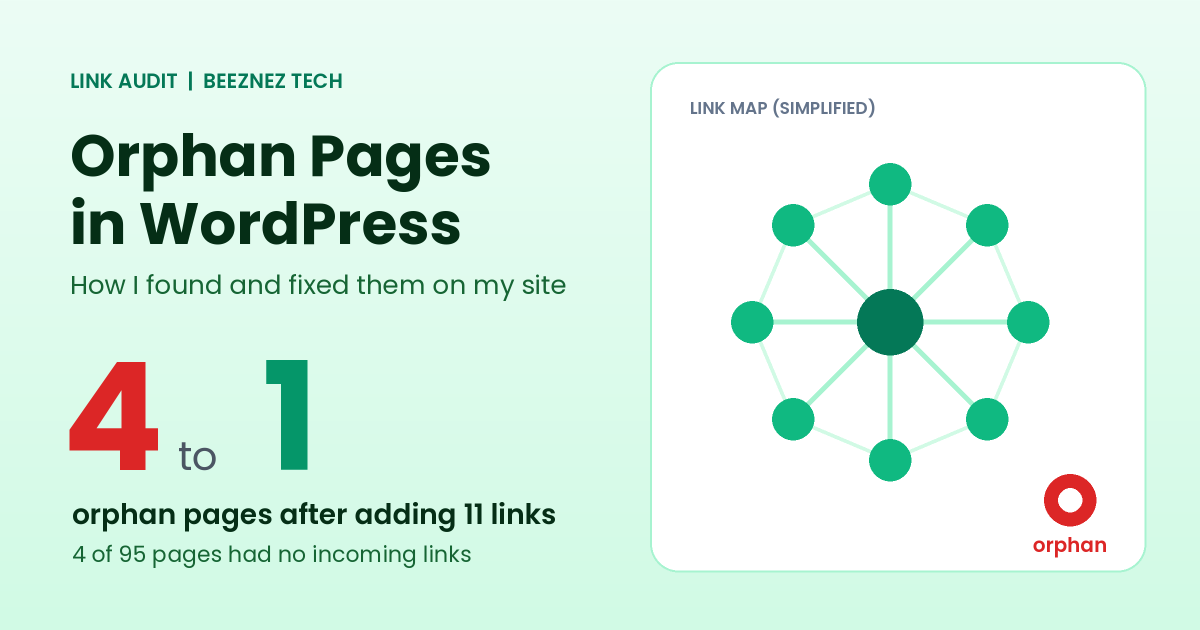
Simplified link map: connected pages in green, one orphan in red.
Every page linked out to something, so I had no dead ends. The problem was in the other direction. Almost two in five pages (36 of 95) had just one or two links pointing in, and four had none.
Which Pages Were Orphans, and Why
The four orphans were my Blog page and my three newest articles: the ones on comment spam, security headers and Rank Math Instant Indexing. They had been live for a day or two.
This is the classic way orphan pages appear. When you write a new post, you naturally link from it to older posts, because those are what you remember. But nobody goes back to add a link from an older post to the new one. Every new article starts life as an orphan, and unless you fix it, it stays one.
The Blog page was a different case. Visitors reach it through the site menu, but Rank Math’s counter looks at links inside page content and, as far as I can tell, does not count menu links. I treat it as a counting quirk rather than a real orphan, though I cannot be completely certain.
Which Pages Get the Most Links
The top of my list was no surprise. My article on AI agent governance for small businesses had 13 incoming links, and two other AI articles had 10 each. Among pages, my Contact page had 11 and Affiliate Disclosure had 9. In other words, my older AI-news articles were well connected, while my newer site-audit articles were barely linked at all. That reflects how the site grew, not which content is best.
How I Fixed Orphan Pages in WordPress
You do not need a plugin to fix orphan pages in WordPress. I fixed my orphans by adding a short “Related reading” line at the end of nine relevant articles. I chose each link by topic. For example, my article on a plugin vulnerability now points to the comment spam article, because the spam arrived on that very post, and the llms.txt article now points to the Rank Math Instant Indexing article, since both are about telling machines what exists on your site.
In total I added eleven internal links. Here is the effect on the pages that were orphans or nearly so:
| Page | Incoming links before | Incoming links after |
|---|---|---|
| WordPress Comment Spam | 0 | 3 |
| WordPress Security Headers | 0 | 3 |
| Rank Math Instant Indexing | 0 | 3 |
| URL Is Unknown to Google | 1 | 2 |
The total number of internal links on the site rose from 380 to 391, and the number of orphan pages fell from four to one, which is the Blog page described above.
6 Steps to Fix Orphan Pages in WordPress
1. Get your link data
You need a list of incoming links per page. If you use Rank Math with the Link Counter module on, it adds a links column to your Posts screen (enable it in Screen Options if you do not see it). Other options include a free crawler such as Screaming Frog for small sites, or Google Search Console’s Links report for a rough view.
2. List every page with zero incoming links
Sort by incoming links and write down every page at zero. Note the publish date. If most are recent, you have the “new posts start as orphans” pattern I had.
3. Decide what each page deserves
Not every orphan should be rescued. A good page needs links. A thin or outdated page may deserve to be improved, merged into a stronger article with a redirect, or removed. Decide before you link, so you do not point readers to something weak. Taking this step first is the difference between fixing orphan pages in WordPress and simply hiding thin content behind more links.
4. Add contextual links from related pages
Choose two or three older articles on a related topic and add a natural link in the text or in a short related-reading line. Relevance matters more than quantity. A link from an unrelated page helps neither readers nor search engines.
5. Use descriptive anchor text
The words you link with should tell people what they will find. My own audit showed my anchors average about 50 characters, because I often link with the article title, and none were generic phrases such as “click here”. But six of my internal links used a bare web address as the anchor, which says little. Short, descriptive phrases work best.
6. Re-check and make it a habit
After adding links, check your counts again. Then build a routine: when you publish a new article, add links to it from two or three related older ones the same day. Doing it at publishing time stops orphans from forming.
Other Link Patterns Worth Checking
While I was in the data, I noticed a few other things worth watching on any site:
- Repeated anchors. My policy pages are linked many times with the same words: “Affiliate Disclosure” nine times, “Editorial Policy” eight times and “Privacy Policy” seven times. That is normal for trust pages, but it means the same few pages collect most of the links.
- Nofollow use. None of my internal links were nofollow, and only 5 of 164 external links were. That is a reasonable default.
- Pages with one link. Thirty-six pages with only one or two incoming links is my next job. They are not orphans, but they are weakly connected.
Common Mistakes With Orphan Pages in WordPress
- Relying on the sitemap alone. It helps discovery but does not show importance.
- Linking from the footer to everything. Site-wide link dumps are noisy and add little value.
- Forcing irrelevant links. Links should help the reader.
- Ignoring new posts. The newest articles are the most likely to be orphans.
- Using the same exact anchor everywhere. Vary your wording naturally.
- Trusting menu links to count. Check how your tool treats navigation.
Quick Checklist
- Check incoming link counts for every published page.
- List pages with zero incoming links.
- Improve, merge or remove weak orphans before linking to them.
- Add two or three relevant links to each page you keep.
- Use short, descriptive anchor text.
- Link to every new article from older ones on publishing day.
- Recheck your counts monthly.
Frequently Asked Questions
Are orphan pages bad for SEO?
They make it harder for search engines to discover and value a page, and for visitors to find it. They are not a penalty, but they are a missed opportunity.
How do I find orphan pages in WordPress?
Use a tool that reports incoming internal links per page, such as Rank Math’s Link Counter, a crawler, or Search Console’s Links report, and look for pages with zero.
How many internal links should a page have?
There is no fixed number. My site averages 3.6 incoming links per page, and I aim for at least two or three relevant links to every article.
Does adding internal links to orphan pages in WordPress get them indexed?
It makes discovery more likely, but it does not guarantee indexing. Quality and other factors still decide. I have not yet measured whether these new links change my indexing.
Do menu links count as internal links?
Search engines do follow them, but some SEO plugins count only links inside content, so their numbers can differ.
Final Thoughts on Orphan Pages in WordPress
Orphan pages in WordPress are easy to create and easy to fix. On my site, the cause was simply writing new articles without linking back to them from older ones, and eleven well-chosen links cut my orphan count from four to one. Check your own link data, rescue the pages worth keeping, and add links at publishing time from now on. I will recheck my Index Status in a few weeks to see whether the extra links make any difference to discovery.