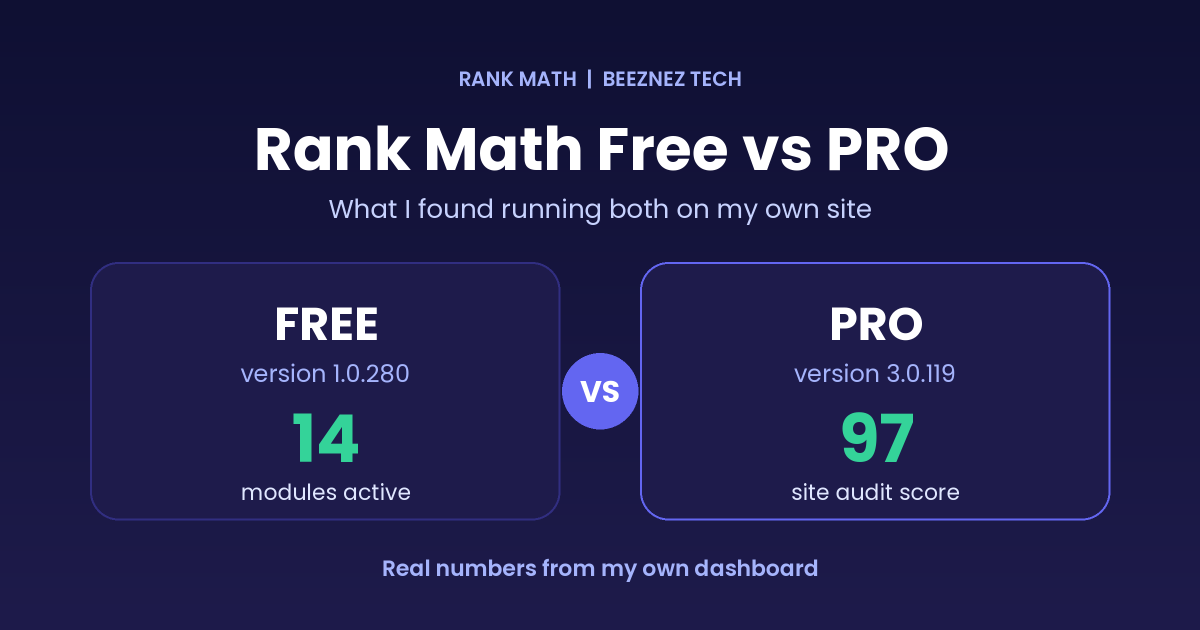
Rank Math Free vs PRO is one of the first questions WordPress site owners ask before paying for an SEO plugin. Most comparison posts simply copy features from a pricing page. This one is different. I have both the free plugin and PRO running on my own site, Beeznez Tech, and I pulled the real numbers from my dashboard.
Below you will find the modules I have switched on, my actual link, 404 and redirect data, and the honest limits of any SEO plugin. Where I could not verify a claim myself, I say so, so you can check Rank Math’s own pricing page before you buy.
My Setup: What Is Actually Installed
A quick clarification first: Rank Math PRO is an add-on that runs on top of the free plugin. So “running both” just means both are installed together. Here is what my site shows:
| Item | My site |
|---|---|
| Rank Math (free) version | 1.0.280 |
| Rank Math PRO version | 3.0.119 |
| Subscription plan | Business |
| Active modules | 14 |
| Google connections | Search Console and Analytics connected |
| Published posts | 78 |
The 14 active modules are: Link Counter, Analytics, SEO Analysis, Sitemap, Schema (Rich Snippet), Content AI, Instant Indexing, llms.txt, Image SEO, Role Manager, 404 Monitor, AI Visibility, Marketplace and Redirections. That is a lot of tools for one plugin, and it is exactly why the Rank Math Free vs PRO decision is confusing: you cannot tell from the module list which ones need a paid plan.
Rank Math Free vs PRO: What My Dashboard Data Shows
Instead of repeating feature lists, here is the data Rank Math produced for my site on the day I wrote this:
| Area | Result on my site |
|---|---|
| Site-wide SEO audit | 97 out of 100 (30 tests passed, 3 failed, 1 warning, out of 38) |
| Post SEO scores | 82 to 93, average 88 across 78 scored posts |
| Links | 277 internal and 142 external |
| Link audit | 3 broken links, 2 redirected links |
| 404 monitor | 86 unique URLs, 87 hits |
| Redirections | 30 total (16 permanent 301s and 14 “gone” 410s) |
| Search Console top keywords | None returned for the last 30 days |
Each row tells part of the story, and I will go through them next.
What the Free Plugin Already Covers
Most of the day-to-day SEO work on my site is handled by features that Rank Math Free vs PRO comparisons describe as part of the free plugin: XML sitemaps, schema markup, the redirection manager, the 404 monitor and the Search Console connection. You can read the plugin’s details on its WordPress.org page.
The 404 monitor found a pattern I would have missed
My 404 log recorded 86 unique broken URLs. Of those, 48 were old /tag/ addresses, which tells me that tag pages I once had (or that crawlers expected) no longer exist. Without the monitor, I would never have seen that pattern. The fix is not to redirect everything. It is to decide which of those addresses deserve a redirect and which should simply stay gone.
Redirections are where I put cleanup work
I have 30 active redirections. Sixteen send old posts to a stronger, related page with a 301. Fourteen return a 410 “gone” status for thin posts I removed and do not want to replace. The busiest single redirect has recorded 169 hits, which shows how often old URLs still get requested after you consolidate content. If you are cleaning up a site for quality, as I covered in my guide to E-E-A-T and AI content in 2026, this free module does most of the heavy lifting.
Where PRO Shows Up on My Site
The honest answer to Rank Math Free vs PRO is that PRO is mostly about depth, tracking and automation rather than basics. Three places where I could see the difference directly:
1. The link audit
Rank Math’s link report returns total internal and external link counts on any install. The broken-link, redirect, nofollow and HTTP status breakdown comes from the Link Genius audit, which the tool itself labels as a PRO feature. On my site that audit found 89 links returning a normal 2xx status, 2 redirects and 3 broken links (4xx). Three broken links is a small number, but I would not have known about them without it.
2. AI Visibility limits depend on your plan
The AI Visibility module tracks how your brand appears in AI answers. According to the tool’s own description, tracking more than one AI platform requires the Expert plan, and other plans can choose only one. I am on Business, so I am limited to one. If you are weighing Rank Math Free vs PRO purely for AI tracking, check which plan includes the number of platforms you want.
3. Content AI and advanced schema
The Content AI module is active on my site, but I will not claim it improves rankings, because I have not measured that. Reviews of Rank Math also say PRO adds a keyword rank tracker and a much larger library of schema types. Plans and limits change, so confirm the current details on the official Rank Math pricing page rather than trusting any third-party table, including mine.
A Green Rank Math Score Is Not a Ranking
This is the most important lesson from my data. Every one of my published posts scores between 82 and 93 in Rank Math’s analyzer, and the site audit scores 97. Yet Search Console data pulled through Rank Math returned no top keywords for the last 30 days.
The score checks on-page basics: whether your keyword is in the title, the URL, the description and the first paragraph, how long the content is, and whether you have links. It does not measure whether your content is better than what already ranks, whether other sites link to you, or whether Google trusts your site yet. A high score means you did the basics correctly. It does not mean you will rank.
That is true for both versions in the Rank Math Free vs PRO debate. Paying for PRO will not turn a 90 score into traffic. Original research, links and time will. I wrote about this in more detail in my post on auditing an inactive WordPress plugin vulnerability, where the same site-level thinking applies.
7 Essential Findings About Rank Math Free vs PRO
- The free plugin covers the core jobs: sitemaps, schema, redirections, 404 logging and Search Console.
- PRO adds depth, not basics: link audits, tracking and advanced options.
- The score is a checklist, not a forecast: every post scored 82 or higher, yet no keywords appeared in Search Console.
- The 404 monitor pays for itself: it revealed that 48 of 86 broken URLs were old tag pages.
- Redirect hygiene matters: 30 redirections, one with 169 hits, show how much traffic old URLs still attract.
- Some audit failures need other tools: my three failed tests were minify CSS, minify JavaScript and a mobile speed test that could not run, and the plugin cannot fix them itself.
- Plan limits are easy to miss: AI Visibility platforms are capped by plan, so read the plan details first.
Rank Math Free vs PRO: Which One Should You Choose?
Here is how I would decide, based on what I have seen:
- Choose free if you run one site, publish a few posts a week, and want sitemaps, schema, redirects and on-page scoring. My own data shows these basics do most of the work.
- Consider PRO if you manage a large content library and want automated link audits, deeper analytics and keyword tracking. Broken links are tedious to find by hand once you pass a few dozen posts.
- Wait on PRO if your site has no search impressions yet. Tracking tools need data to track. Spend that money on better content first.
- Be careful with AI features. Check credits, limits and platform caps before assuming they are unlimited.
How I Would Set Up Rank Math From Scratch
- Install the free plugin and run the setup wizard.
- Connect Search Console and Analytics so you have data from day one.
- Enable only the modules you will use. Fewer active modules means less to maintain.
- Turn on the 404 monitor and review it weekly.
- Set a focus keyword on every post, then use the analyzer as a checklist, not a goal.
- Run the site audit and fix the failures that your host or theme controls. Rank Math explains each test in its SEO analysis guide.
If you also care about showing up in AI answers, my guide to Generative Engine Optimization explains what to do beyond the plugin.
Frequently Asked Questions
Is Rank Math PRO worth it?
It depends on your site size and goals. For a small site that is still building content, the free version usually covers what you need. PRO makes more sense once you have many posts and need tracking and automated audits.
Do I need the free version to use PRO?
Yes. PRO runs on top of the free plugin, so both are installed together, as on my site.
Does a high Rank Math score guarantee rankings?
No. My posts score 82 to 93, but a score only measures on-page basics. Rankings depend on content quality, links and trust.
Can Rank Math fix my site speed warnings?
Not by itself. It reports problems such as unminified CSS and JavaScript, but you fix them with your theme, hosting or a caching and optimization plugin.
Where should I check current Rank Math Free vs PRO pricing?
Always use the official pricing page. Plans, limits and credits change, and third-party tables go out of date quickly.
Final Thoughts
After looking at my own numbers, my view on Rank Math Free vs PRO is simple. The free plugin gives you the foundation, and PRO adds useful depth once you have enough content and data to use it. But no version of the plugin replaces original content, real expertise and patience. Use the score as a checklist, use the 404 monitor and redirections to keep your site clean, and spend on PRO only when you can name the specific feature you will use.
Related reading
Related reading: one of the modules I tested in detail is covered in Rank Math Instant Indexing.