By Md Abdur Rouf Mia | Published 31 January 2026 | Last updated: 7 November 2026 | Prices checked 7 November 2026
Update note, 7 November 2026: I rewrote this comparison. I re-checked prices and AI credit rules for all five platforms and corrected several figures, because HubSpot, Jasper, QuickBooks, monday.com and Zoom have each changed how they charge for AI. I removed performance claims I could not tie to a source, such as hours saved per week, and added a methodology note and sources.
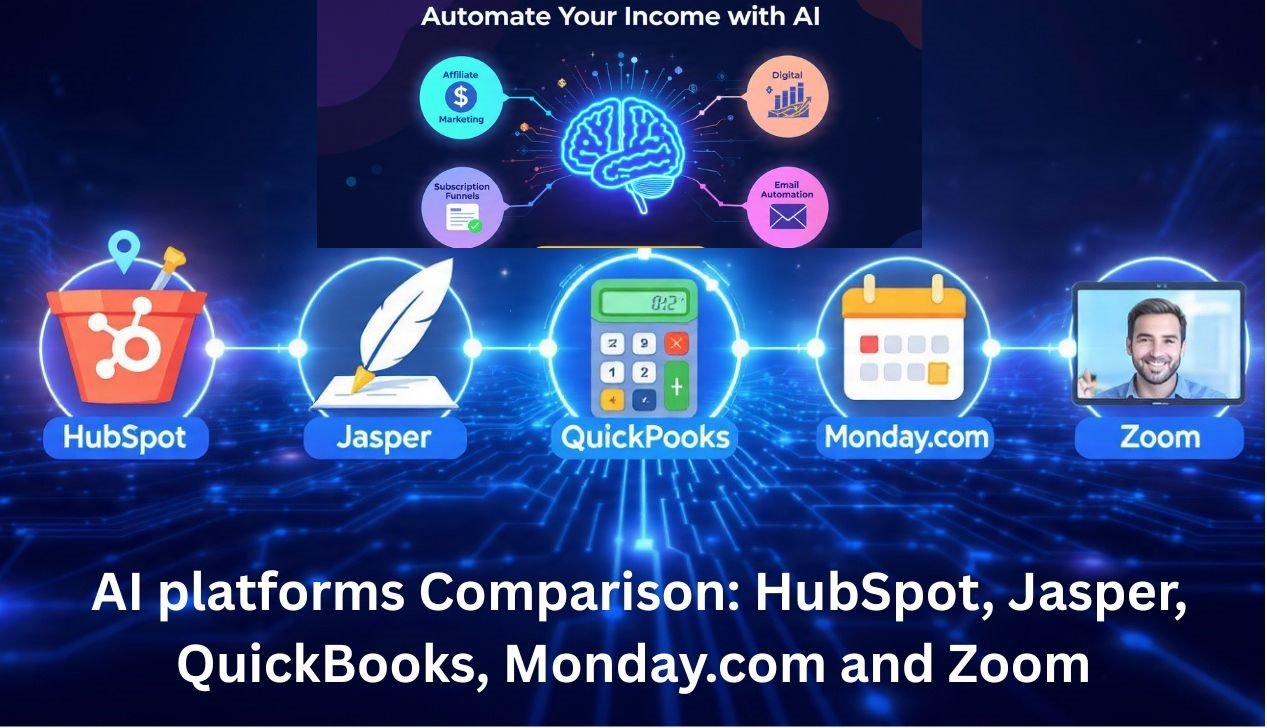
Picking an AI platform is mostly a question of pricing and fit. Features overlap, but the way each vendor charges for AI differs a lot: per seat, per credit, bundled into a plan, or locked behind a higher tier. This page compares HubSpot, Jasper, QuickBooks, monday.com and Zoom on what they do, what they cost, and what to check before you pay.

What I Tested vs What I Researched
Tested: None of the five platforms was tested for this article. It contains no claims of hours saved or results achieved.
Researched: Plan prices, seat rules and AI credit allowances as of 7 November 2026. Vendor pricing pages often load prices dynamically, so I could not open all of them directly. Where I could not, the figures come from recent price-tracker and vendor-support pages listed under Sources, and where those disagree I say so instead of picking one number. The article was researched and drafted in a chat session with Claude using web search.
Not tested: Any feature quality, accuracy or ease-of-use comparison. Treat the pros and cons below as what the vendors and published reviews describe, not as my hands-on verdict.
Who This Comparison Is For (and Not For)
It is for owners and managers of small businesses who already use, or are considering, one of these five tools and want to understand what its AI features really cost.
It is not for readers who want a ranked list of the best AI tools overall, or hands-on reviews. These five tools do different jobs, so ranking them against each other would not be meaningful. If you want to choose by workflow, start with the AI automation tool buyer’s guide.
The Short Answer
| Your main need | Look first at | Watch out for |
|---|---|---|
| Marketing, sales and CRM in one place | HubSpot | A large price jump from Starter to Professional, onboarding fees and metered AI credits |
| Marketing copy at volume | Jasper | No permanent free plan and per-seat pricing |
| Bookkeeping and invoicing | QuickBooks | List prices that rose during 2026 and AI agents that sit in higher tiers |
| Team projects and workflows | monday.com | A three-seat minimum on paid plans and AI credits that can run out |
| Meetings and summaries | Zoom | Monthly AI query limits that depend on your plan |
AI Platforms Comparison: Pricing as of 7 November 2026
Prices are US list prices as published or reported, before tax. Promotions, regional pricing and negotiated discounts change what you actually pay, so confirm on each vendor’s page before buying.
| Platform | Free option | Paid plans | How AI is charged |
|---|---|---|---|
| HubSpot | Free CRM | Starter about $15 per seat/month billed annually ($20 monthly). Professional and Enterprise vary by hub, from about $90 per seat to $890 or more per month, plus onboarding fees | Breeze AI uses HubSpot Credits, bundled per plan and sold beyond that |
| Jasper | No permanent free plan; a short free trial is reported | Pro $59 per month billed annually or $69 monthly; Business is custom | Included in the plan |
| QuickBooks Online | No free plan | Simple Start lists at $38 per month (a $19 promotional price was shown for new customers). Higher tiers: see below | Intuit Assist and AI agents, with more agents in higher tiers |
| monday.com | Free for up to 2 seats | Basic $9, Standard $12, Pro $19 per seat/month billed annually (about $12, $14 and $24 billed monthly); Enterprise is custom; paid plans need at least 3 seats | Monthly AI credits bundled per tier, with larger bundles available |
| Zoom Workplace | Free Basic plan | Pro about $13 to $14 per user/month billed annually ($16.99 monthly); Business about $18.33 annually ($21.99 monthly); Enterprise is custom | AI Companion is included in paid plans, with monthly query limits by tier |
The Five Platforms in Detail
HubSpot
HubSpot combines a CRM with marketing, sales and service tools, and its Breeze AI features sit on top of that data. It is the broadest of the five, which is also why its pricing is the hardest to summarise.
Cost notes: Prices differ by hub (Marketing, Sales, Service and others). Reported list prices put Starter at about $15 per seat per month billed annually, or $20 monthly, with new-customer promotions lower. Marketing Hub Professional is reported at about $890 a month including three seats, and Sales or Service Hub Professional at about $90 per seat billed annually ($100 monthly). Both carry a one-time onboarding fee reported between $1,500 and $3,000. Enterprise is reported at about $3,600 a month for Marketing Hub and $150 per seat for Sales or Service Hub. Professional and Enterprise are generally annual contracts.
How AI is charged: Breeze runs on HubSpot Credits. Trackers report roughly 500 bundled credits on Starter, 3,000 on Professional and 5,000 on Enterprise, though the allowance varies by hub, and extra credits at roughly $10 per 1,000. One tracker reports that from 14 April 2026 the Breeze Customer Agent costs 50 credits (about $0.50) per resolved conversation. Check your account for the current rate.
The catch: The jump from Starter to Professional is steep, and AI usage is metered on top of the subscription. Skip it if you only need a simple CRM or one marketing function.
Jasper
Jasper is built for marketers who produce blog posts, ads, emails and social copy regularly. It adds brand voice settings, templates and marketing workflow agents on top of AI writing.
Cost notes: Pro is $59 per month billed annually or $69 monthly, and Business is custom, typically on a 12-month contract. Sources conflict on whether a cheaper Creator plan still exists, so check the pricing page rather than relying on older articles. There is no permanent free plan, and a 7-day trial is reported by third parties.
The catch: It costs more than general-purpose AI assistants, and you still need to edit what it writes. Skip it if you publish only occasionally, because the brand voice and workflow tools only pay off with a steady content workload.
QuickBooks Online
QuickBooks uses Intuit Assist and AI agents inside your accounting data, for tasks such as organising expenses, reconciliation and invoicing.
Cost notes: Intuit’s pricing page lists Simple Start at $38 a month, with a $19 promotional price shown for new customers when I checked. The list prices of Essentials, Plus and Advanced were reported to change for renewals on or after 1 August 2026, and trackers disagree on the figures (Essentials $75 to $85, Plus $115 to $140, Advanced $275 to $340), so I do not give a single number. Intuit’s page lists one user on Simple Start, three on Essentials, five on Plus and 25 on Advanced.
How AI is tiered: According to Intuit’s page, Essentials adds a payments agent, Plus adds AI-powered reconciliation and a customer agent, and Advanced adds a project management agent.
The catch: There is no free plan, and Intuit has raised list prices in recent years, so renewal costs can differ from what you first paid. Skip it if you only need basic bookkeeping, because Simple Start may already cover it.
monday.com
monday.com is a work management platform for boards, projects and automations, with AI features for summaries, formulas and workflows.
Cost notes: Work management plans are $9 (Basic), $12 (Standard) and $19 (Pro) per seat per month billed annually, or about $12, $14 and $24 billed monthly. The free plan covers up to two seats, and paid plans need at least three, so the real entry cost is higher than the per-seat price suggests. Standard is the first plan with automations and integrations.
How AI is charged: monday’s support documentation says each paid tier includes a monthly AI credit allowance: 1,000 on Basic, 2,000 on Standard and 3,000 on Pro, with larger bundles available. Trackers put overage at roughly $0.01 per credit on annual plans. Older articles that mention free AI credits or unlimited agents describe the earlier model.
The catch: Heavy AI use becomes a variable cost on top of seats. Skip it if you are a one- or two-person team, where the free plan or a simpler tool may be enough.
Zoom
Zoom Workplace adds AI Companion to meetings, chat and docs, with features such as meeting summaries and writing help.
Cost notes: AI Companion is included at no extra cost with paid Zoom plans, according to Zoom’s comparison page. Zoom’s own pricing page snapshot showed Pro at $13.33 per user per month billed annually, and a price tracker records a rise to $14.16 annually or $16.99 monthly in early 2026. The same tracker lists Business at $18.33 annually or $21.99 monthly.
Limits and add-ons: Zoom’s comparison page lists monthly AI question limits per user by plan: 20 on Basic, 50 on Pro, 200 on Business and 500 on Enterprise. Zoom’s Custom AI Companion add-on launched at $12 per user per month, a tracker reports it rose to $20 in early 2026, and third-party coverage says Zoom launched ZoomMate on 1 June 2026 from $20 per user per month. Confirm what applies to your account before buying.
The catch: The AI works best inside Zoom, and the free plan has limited AI. Skip it if your team already meets on another platform.
Pros and Cons at a Glance
These summarise what the vendors and published reviews describe, not my own testing.
| Platform | Pros | Cons |
|---|---|---|
| HubSpot | CRM, marketing and service data in one system; a free CRM to start | Steep Starter to Professional jump; onboarding fees; metered AI credits |
| Jasper | Marketing-specific brand voice and workflow tools | No permanent free plan; per-seat cost; output needs editing |
| QuickBooks | AI works on your own accounting data; agents added by tier | No free plan; list prices have risen; confusing tier prices |
| monday.com | Free plan; clear per-seat prices; flexible workflows | Three-seat minimum; AI credits are an extra variable cost |
| Zoom | AI Companion included in paid plans | Tied to the Zoom ecosystem; query limits by plan |
Hidden Costs to Check Before You Buy
- Seat minimums: monday.com’s paid plans start at three seats, so a $9 plan costs at least $27 a month.
- Onboarding fees: HubSpot Professional and Enterprise are reported to add a one-time fee.
- Credits and query limits: HubSpot, monday.com and Zoom all cap or meter AI use, so estimate your monthly usage first.
- Annual vs monthly billing: The cheaper price on most pricing pages assumes an annual commitment.
- Renewal increases: QuickBooks list prices changed during 2026, so check the renewal price, not just the first month.
How to Choose
- Name the one job you want AI to do first: marketing, bookkeeping, projects or meetings.
- Check the free plan or trial of the matching platform before you commit to a paid tier.
- Estimate your seats and monthly AI usage, then price the plan including credits.
- Confirm the renewal price and contract length.
For a wider budget view, see the AI budget for a 5-person team and the free calculators in the AI Toolkit.
Frequently Asked Questions
Which AI platform works best for marketing automation?
HubSpot covers the broadest marketing and CRM workflow, while Jasper focuses on content creation. They solve different problems, and some teams use both. Which fits depends on whether you need a connected CRM or just faster copy.
What is the difference between HubSpot and Jasper?
HubSpot is a customer platform with AI built into CRM, marketing, sales and service. Jasper is a content platform for marketing teams. HubSpot is priced by hub, seat and credits, and Jasper by seat.
Are QuickBooks’ AI features free?
No. QuickBooks has no free plan, and its AI agents are tied to paid tiers, with more agents in the higher ones.
Does monday.com charge extra for AI?
Each paid tier includes a monthly AI credit allowance, and larger bundles or extra credits cost more. The free plan is reported to include no AI features.
Is Zoom’s AI free?
AI Companion is included at no extra cost with paid Zoom plans, with monthly query limits by tier. Basic users get limited AI access, and extra paid add-ons exist for more advanced features.
How should a business pick an AI platform?
Start from the job you need done, then compare seats, credits, contract length and renewal price rather than the headline monthly figure.
How This Comparison Was Researched
I searched for each vendor’s current pricing and AI credit rules on 7 November 2026 and compared vendor pages, vendor support pages and independent price trackers. Where a vendor page was available it took priority. Where sources disagreed, I give a range or say so. I did not test any platform, run any feature comparison or use affiliate data. I left out Jasper’s and HubSpot’s promotional pricing, regional prices, and enterprise quotes, because they vary by buyer.
Sources
- SpotSaaS, HubSpot pricing and SendX, HubSpot pricing: seat prices, onboarding fees and credit allowances.
- Macha, HubSpot Service Hub pricing: Breeze credits and the Customer Agent rate.
- SaaS CRM Review, Jasper review and Layer3 Labs, Jasper pricing: Pro and Business plans, trial and contract terms.
- Intuit, QuickBooks Online pricing: plans, user counts and AI agents by tier.
- Audit Friendly, QuickBooks Online price increase 2026 and AI Productivity, QuickBooks pricing: the conflicting higher-tier prices.
- monday.com Support, pricing model for monday AI and Carly, monday.com pricing: seat prices, minimums and credit overage.
- Zoom, AI Companion comparison: included AI and query limits by plan.
- PricingSaaS, Zoom pricing history and Laxis, Zoom AI Companion: price changes and the ZoomMate add-on.
Disclosure: None of the links in this article are affiliate links. If that ever changes, I will say so here and mark each affiliate link.