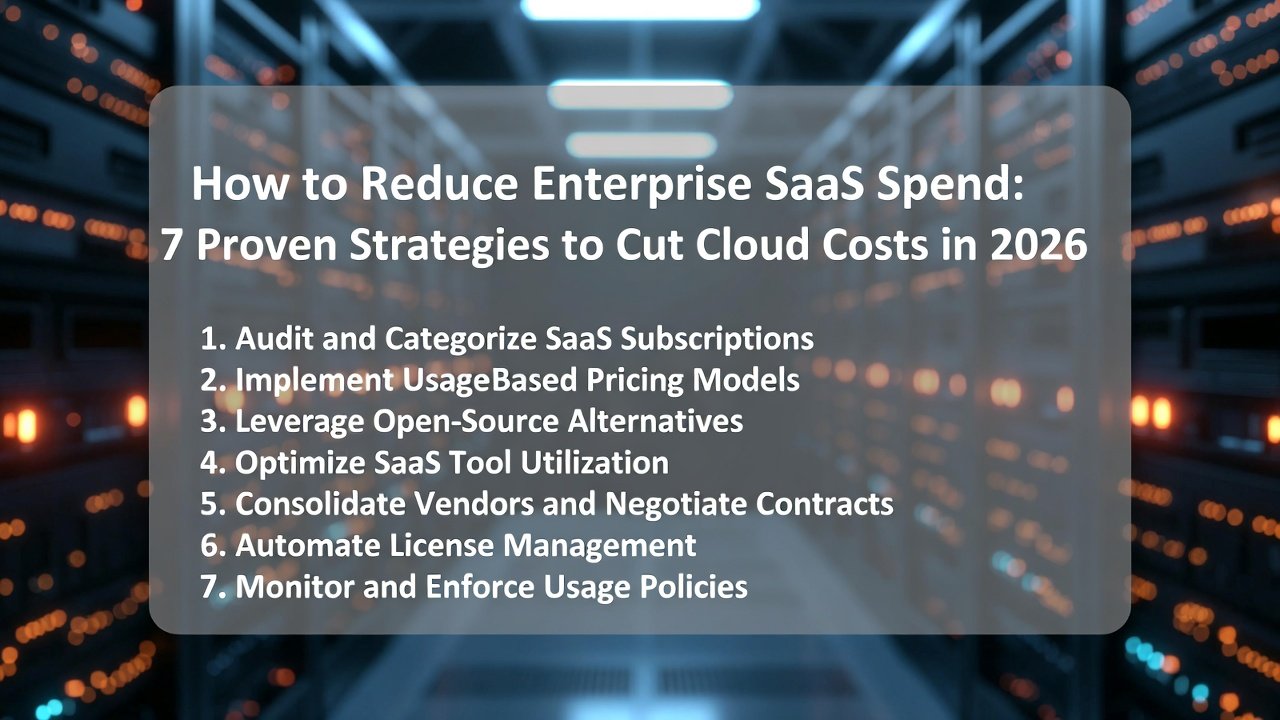
1. Introduction: The “Invisible Worker” Problem
It’s 2026, and businesses are juggling over 300 SaaS apps on average. Nearly 40% of IT budgets now slip away into shadow IT—tools and services that fly under the radar, outside any official control. It sounds dramatic, but this mess of subscriptions has become an invisible workforce, quietly eating up cash while giving back very little.
SaaS sprawl is what happens when software-as-a-service apps multiply without anyone keeping track. You end up with overlapping tools, licenses no one uses, and costs that just keep climbing. On top of that, there’s the whole “Shadow AI” trend.
Employees grab unauthorized AI tools—like generative models or autonomous agents—without asking IT. Suddenly, companies get hit with surprise bills, thanks to pay-as-you-go pricing that racks up fast.
3. Strategy-1: Keep Discovering and Cut Out Shadow IT
Shadow IT—basically, all those apps and tools people use without IT’s approval—can eat up 30 to 40% of a big company’s software budget. The usual IT logs won’t catch everything. So, start with a finance-focused audit.
Here’s what to do: Dig into expense reports, check out corporate credit card charges, and look through procurement records. That’s where hidden software subscriptions often hide. You can use expense management tools to make things easier.
Here’s the big thing: Most of the time, people turn to shadow IT because they just want to get things done faster. But in the end, it opens the door to security problems and wastes money on duplicate tools. Regular audits help you spot and combine these rogue apps, which can save you 10 to 20% of your budget.
4. Strategy-2: The “Zero-Based Budgeting” Approach
Stop just renewing licenses out of habit. Instead, reset your software budget to zero every cycle and make each license earn its place. Look at each tool’s actual value compared to what your team really needs—don’t just copy last year’s budget.
One smart move: connect your budget process with HR tools like Active Directory. That way, you can spot “ghost licenses”—those leftovers assigned to people who’ve already left the company. Big teams often find 20–30% of their licenses are just sitting there, wasted.
5. Strategy-3: Consolidating Redundant Tech Stacks
A lot of companies use several tools that basically do the same thing, which just drives up costs for no good reason.
Take communication platforms, for example. Paying for Slack, Microsoft Teams, and Zoom all at once splits up your workflows and racks up extra license fees.
Check out this table—it compares popular software categories so you can spot where you’re doubling up.
| Category | Overlapping Tools (Examples) | Consolidation Benefit |
|---|---|---|
| Communication | Slack vs. Microsoft Teams vs. Zoom | Reduced licensing costs and unified channels |
| Project Management | Monday.com vs. Asana vs. Trello | Centralized data and improved collaboration |
| File Storage | Dropbox vs. Google Drive vs. OneDrive | Uniform security policies and lower storage fees |
| Analytics | Google Analytics vs. Tableau vs. Power BI | Streamlined reporting and fewer integrations |
| CRM | Salesforce vs. HubSpot vs. Zoho CRM | Consolidated customer data and cost savings |
Prioritize tools with the highest overlap and migrate to a single platform to achieve data centralization and security uniformity.
6. Strategy-4: Mastering the Art of 2026 SaaS Negotiations
Arm yourself with data to negotiate better terms.
Leverage Benchmarking: Use industry reports to compare what similar-sized companies pay for the same tools. Platforms like Gartner or specialized SaaS benchmarks can provide leverage.
Multi-Year vs. Monthly: Opt for multi-year commitments (e.g., 3 years for 20% discounts) if the tool is mission-critical, but stick to monthly for experimental or volatile needs to maintain agility.
9. Strategy-7: Governing “Agentic AI” Spend
Agentic AI—these are autonomous agents that handle tasks on their own—are shaping up to be a major source of spiraling costs in 2026.
New for 2026: Here’s what’s changed: Now that AI agents are working their way into everyday workflows, it’s easy for usage to get out of hand. That means API calls and compute bills can shoot up fast if no one’s keeping an eye on things.
Control: So, what keeps spending in check? Set strict API credit limits for each department. Keep a close watch on what these agents are doing. And don’t forget to put solid governance policies in place to catch overruns before they get expensive.
10. Summary & Checklist
Cutting down on SaaS costs takes constant attention, smart choices, and the right tools. When you put these strategies to work, you can save money without slowing down innovation.
Here’s your “Monday Morning” Checklist:
- Check in with Finance and get a list of all your software expenses.
- Spot the top five priciest apps you don’t really need.
- Set reminders 90 days before big renewals hit.
- Do a shadow IT audit — dig into expense data to find anything flying under the radar.
- Look at how many licenses you’re actually using and downgrade where you can.
11. FAQ Section (People Also Ask)
What’s the average SaaS spend per employee in 2026?
You’re looking at about $3,500 to $5,600 per employee. Big companies usually land at the higher end since their software setups are more complicated.
How do I find hidden software subscriptions?
You can use SaaS management platforms to spot them automatically, or just go old-school and check your bank statements, credit card activity, and expense reports for anything unexpected.
Is AI making SaaS more expensive?
It does, especially if you let things run wild. AI features and usage-based pricing can bump your costs up by 10–20%, but putting controls in place—like setting API limits—keeps things in check.
Related Reading
- Shadow AI Spend Is Quietly Draining Small Business Budgets — Here’s How to Find It?
- Seat-Based SaaS Pricing Is Dying: What Outcome-Based Billing Means for Your Software Budget in 2026?
- Best HubSpot Alternatives for Growing Startups 2026: Comparisons and Reviews
- HubSpot CRM Review 2026 – The Ultimate Growth Solution
2 thoughts on “How to Reduce Enterprise SaaS Spend: 7 Proven Strategies to Cut Cloud Costs in 2026”